
How to make a fantasy map
A good fantasy map feels like a real place: rivers find the sea, deserts sit where the rain cannot reach, and cities grow where people would actually settle. These seven steps work with paper and pencil too, but each one comes with how to do it in Loremapper, a free map editor that keeps the geography honest for you.
1. Decide the scale
How large is the world? A kingdom is a few hundred kilometres across, a continent a few thousand. Scale decides everything else: how many rivers, how wide the mountain ranges are (real ones are 100–200 km), how long the journey between towns takes. In Loremapper you choose a flat map from 250 to 10,000 km, or a whole planet.
2. Shape the land and the coast
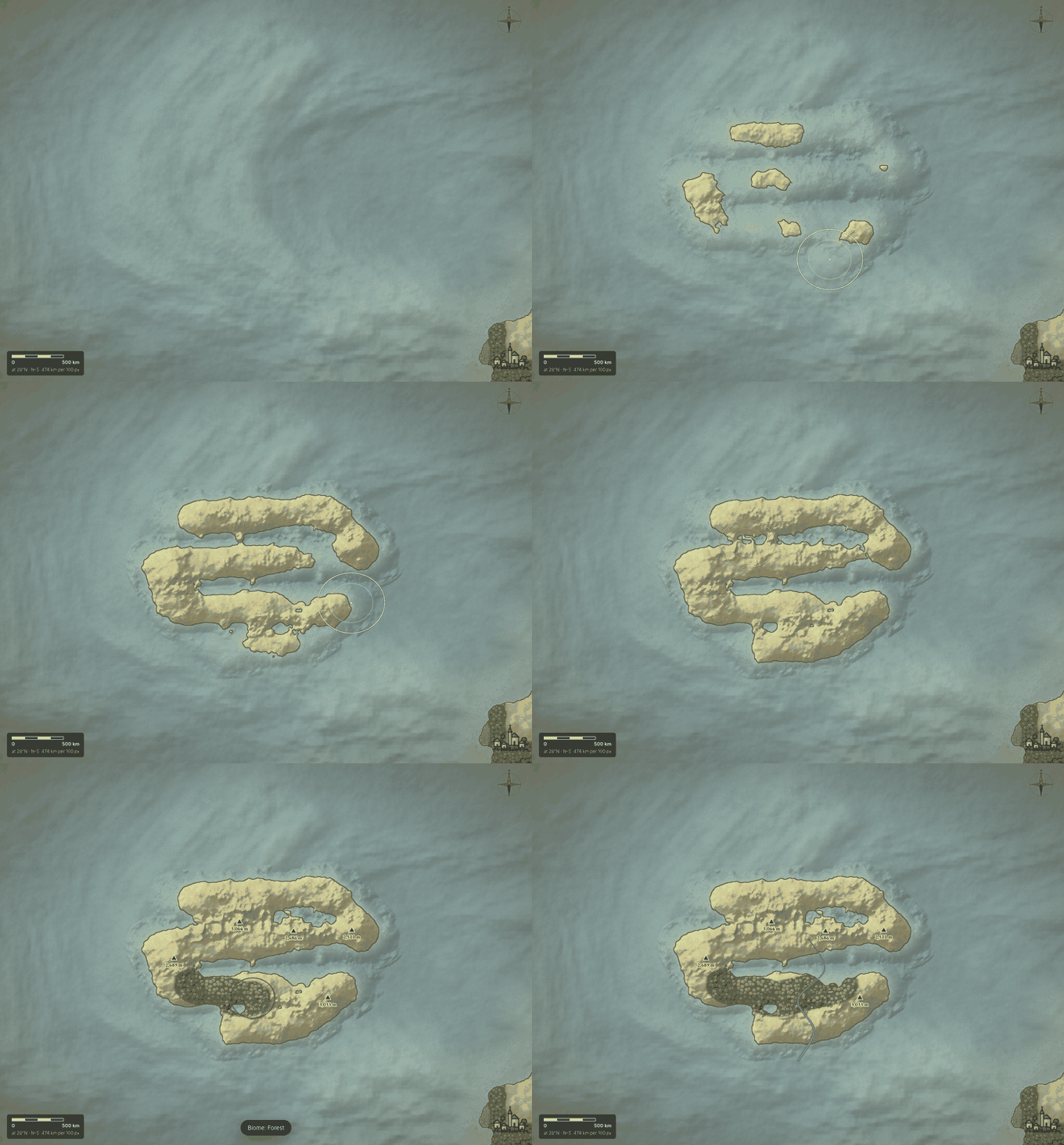
Coastlines are irregular at every scale: bays inside bays, capes, islands off the shore. Avoid smooth blobs and perfectly round islands. Generate a shape and refine it, or raise land from the ocean with the brush.
3. Place the mountains first
Mountains come in long ranges, not scattered dots, and they shape everything after them. Ranges rise where landmasses collide, often along a coast or across a continent. Put them in before rivers: water starts in the mountains.
4. Let rivers run downhill
The most common mistake on fantasy maps is rivers that split on the way to the sea or connect two oceans. Real rivers start in the high ground, merge as they flow, and almost never fork except in deltas. Each river runs in its own valley; a lake drains through one river. Loremapper computes this from the terrain, so its rivers always flow downhill.
5. Think about wind and climate
Moist wind from the sea drops its rain on the slopes facing it, so the land behind a mountain range is dry — a rain shadow. Forests on the windward side, steppe and desert behind; cold near the poles and high up. In Loremapper's generator you set the prevailing wind for flat maps and the biomes follow.
6. Settle it where people would
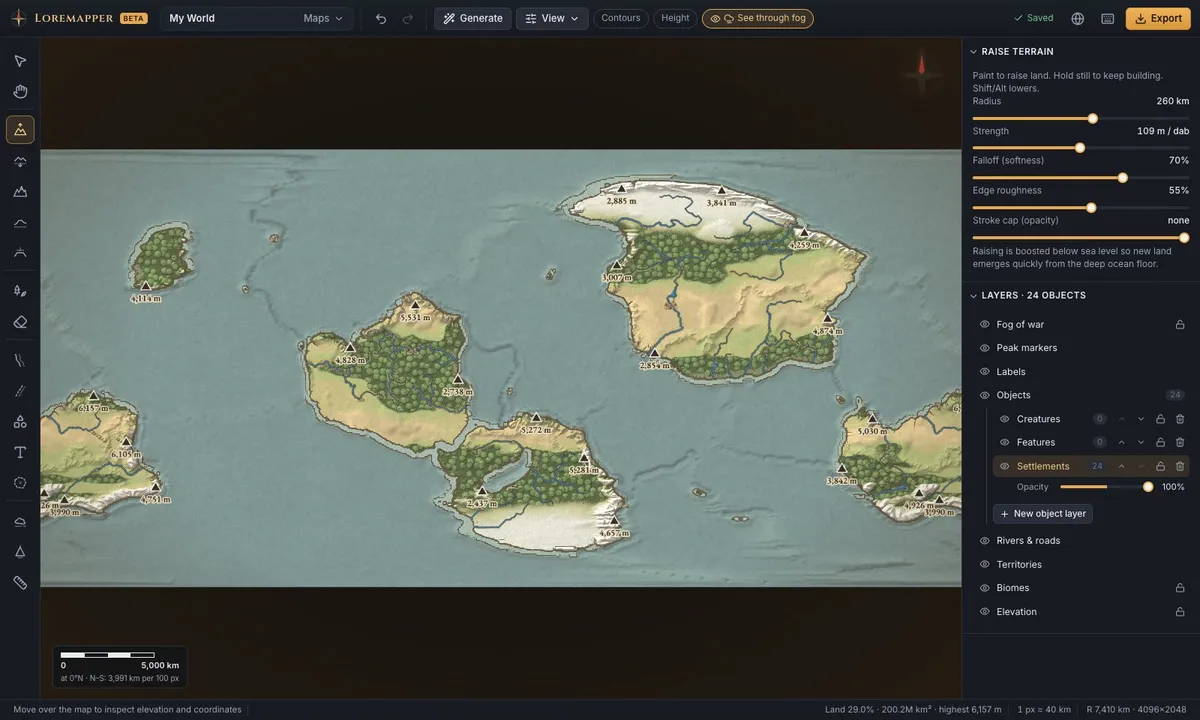
Towns grow on rivers, at river mouths, on natural harbours and fertile plains; castles guard passes and hills. Roads follow valleys and coasts rather than straight lines over mountains. Borders often follow rivers and ridges.
7. Name it, then let it breathe
Name regions large, towns smaller, rivers along their course. Keep names in a consistent style per culture. Do not label everything: a map with a few strong names reads better than a crowded one. In Loremapper, names are styled in groups and hide when too small to read.
Start now
Open the editor, or read more about the fantasy map generator andmaps for D&D campaigns.